The Car Rental Website Structure That Turns Searches Into Bookings
A car rental website books more vehicles when it has one page per class and per location. Here is the exact structure and why each part matters.
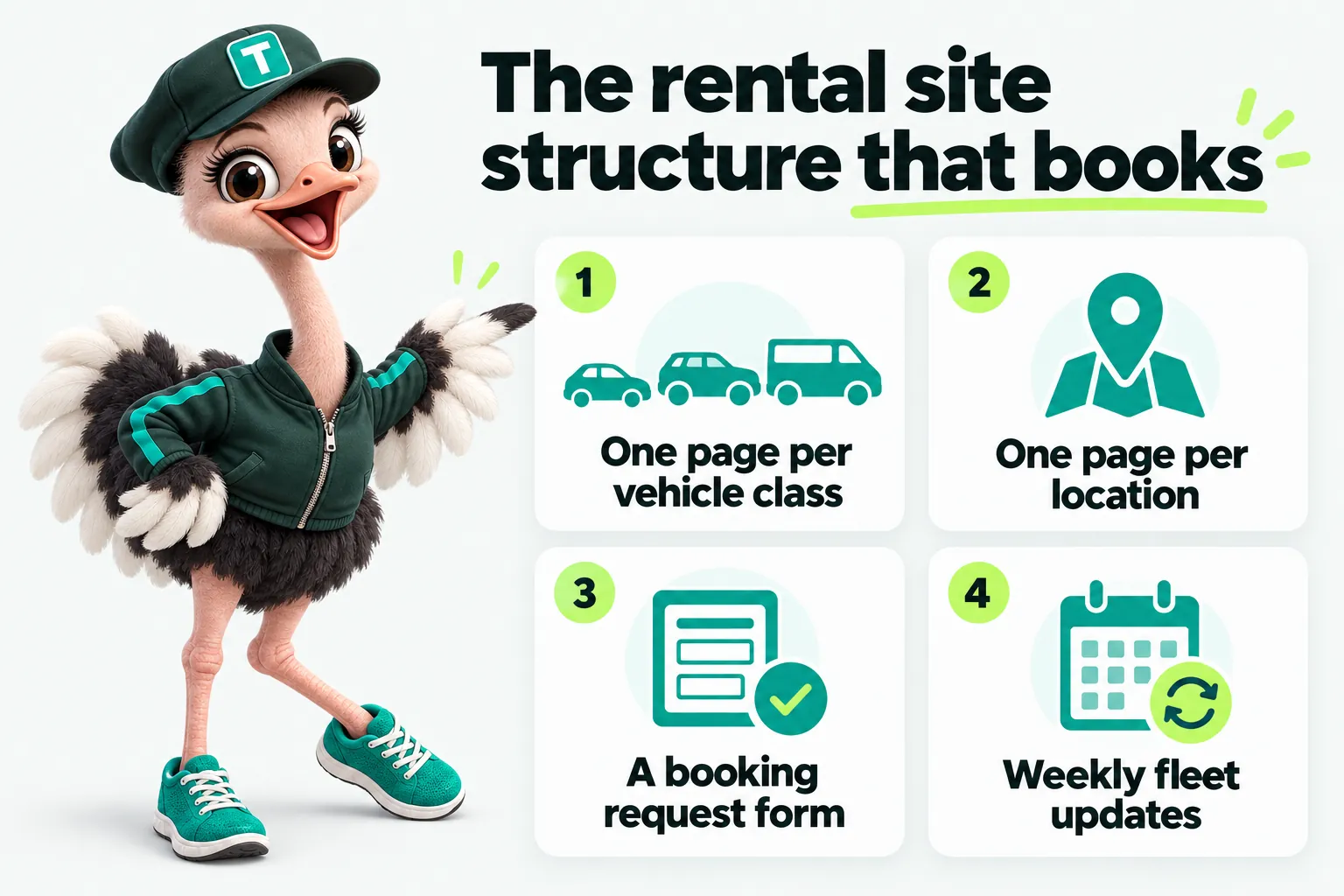
A car rental website converts more searches into bookings when it has a dedicated page for every vehicle class and every pickup location, because a renter typing “cargo van rental near me” or “SUV rental downtown” is looking for exactly that page, not a general fleet overview with the specific vehicle buried three paragraphs down. Get the page structure right and the booking form, the content and the search visibility that follow all have something solid to build on. Get it wrong and no amount of extra content fixes it.
Why a single “our fleet” page holds a rental site back
A shared fleet page tries to be the answer to every vehicle-related search at once, and in practice it answers none of them well. Someone searching for a 12-passenger van and someone searching for an economy sedan land on the same page, scroll past content meant for the other renter, and often leave before finding what they came for.
Search engines read the same signal a renter does: a page about “our fleet” in general is a weaker match for “cargo van rental” than a page specifically about cargo van rental. When every vehicle class competes for attention on one page, none of them can be the clear, specific answer to a specific search. Splitting the fleet into individual class pages does not just organize the content better for a human visitor; it gives the site as many distinct, specific pages as it has vehicle classes, each with its own chance to match its own search.
This matters most for independent and small multi-lot operators who are competing against national chains and third-party booking marketplaces with far more pages and far more general authority. A single fleet page cannot out-rank a marketplace’s broad catalog. A specific, well-built page about exactly one vehicle class, at exactly one location, competing for a narrower and more specific search, has a real chance.
Vehicle class pages: one search, one page
What belongs on a vehicle class page
A vehicle class page should answer the questions a renter has before they book, not just show a photo and a name. That means seating capacity, cargo space, typical use cases (a move, a group trip, a business trip), and any requirement specific to that class, such as a higher deposit on a larger vehicle. It should also carry its own path into the booking form, ideally pre-filled with that vehicle class so the renter does not have to re-select it after already deciding.
Photography matters here too, but it does not need to be a professional shoot. A clear, well-lit photo of the actual vehicles in your fleet, at the size you actually rent them, tells a renter more than a stock image of a similar but different trim level. Consistency across every class page, same layout, same information order, means a renter who understands one class page instantly understands the next, which reduces the friction of comparing options within your own fleet.
How many classes is too many
The right number of class pages is the number of genuinely distinct classes you rent, not the number of individual vehicles. A fleet of a dozen sedans across three trim levels can usually be represented as one or two class pages rather than a dozen nearly identical ones; a fleet with economy cars, SUVs, a cargo van and a 12-passenger van needs four pages, because each answers a meaningfully different search and a meaningfully different renter question. The test is simple: if two vehicles would need almost identical page content, they belong on the same class page.
Location pages: why local search needs its own address
What a location page should include
A location page exists to answer one question completely: can I get a vehicle from this specific place. That means the exact address, hours (including any variation for weekends or holidays), directions from a recognizable landmark, and the vehicle classes actually kept at that lot. A location page that lists classes not actually available there creates a bad first interaction the moment a renter arrives and cannot get what the page implied was on hand.
Google’s own documentation on structured data for local businesses exists precisely because search engines look for this kind of specific, verifiable location information rather than a general “find us” statement. A page built around one address, with hours and services tied to that address, gives a search engine (and a renter) exactly the structured information a general company overview page cannot.
Airport and off-airport lots
Airport-adjacent and off-airport shuttle locations need an additional layer of clarity that a standard location page does not: whether pickup is inside the terminal or requires a shuttle, where that shuttle stop is, and hours that account for flight delays rather than a flat “9 to 5” statement that means nothing to someone landing at 11pm. A traveler standing in a terminal with a phone and a weak signal has no patience for ambiguity, and this is the exact moment a rental company either earns or loses a booking.
The booking request form: capturing a rental in the order renters think
Most independent rental operators confirm availability themselves rather than running a fully automated, real-time inventory system, and a booking form should be honest about that. It should function as a well-formed request, not a promise of instant confirmation it cannot back up. The fields that matter, in the order a renter is already thinking in, are pickup location, return location, pickup date and time, return date and time, and vehicle class.
Giving pickup and return their own separate location fields, rather than a single “location” field, is a small decision with an outsized effect: it means a one way rental request takes exactly as many steps to submit as a same-location booking. Operators who support one way rentals but only offer a single location field on their form are quietly making that option harder to request than it needs to be, and every extra step is a chance for a renter to give up and call a competitor instead.
Wherever the form sends its data matters as much as what it asks. A request that lands in a form log nobody checks until the next morning is functionally the same as no form at all. Connecting the booking form to whatever system your team actually works from, a CRM, a dispatch board, or even a monitored inbox, by direct API, Zapier or Make, is what turns a web form into an actual channel for bookings rather than a formality.
Page speed and Core Web Vitals on a rental site
Page speed is not a vanity metric for a rental website; it is one of the page experience signals search engines document publicly, and it is also the single most direct predictor of whether a renter on a weak connection actually sees your fleet before giving up. Google’s web.dev documentation on Core Web Vitals lays out the specific technical measures, loading speed, interactivity and visual stability, that make up this part of page experience.
For a rental site specifically, the pages under the most pressure are exactly the ones that matter most for booking: a vehicle class page with several photos, and a location page that might embed a map. Building these pages lean from the start, sizing images correctly rather than leaving them at upload resolution, and avoiding a heavy plugin stack, addresses both concerns at once: the technical signal search engines evaluate, and the very human experience of a renter standing in an airport terminal on cellular data, deciding in real time whether your site is worth waiting for.
One way and outstation rental as their own page
If a rental business supports one way or outstation trips, treating that capability as a footnote in the terms and conditions, rather than its own page, undersells one of the more decision-driving features a renter can search for. A dedicated one way rental page can state clearly which routes are supported, what any drop fee looks like, and how the booking process works for that specific case, closing the gap between “I wonder if they do one way rentals” and an actual submitted request.
This is also a page that benefits directly from the location page structure described above: if pickup and return locations already exist as their own distinct pages, a one way page can link between the specific origin and destination lots a renter is considering, rather than describing the capability only in the abstract.
Weekly updates: why a fleet page goes stale faster than you think
The most common failure mode on an older rental website is not bad design; it is information that used to be true. A vehicle class no longer offered keeps generating enquiries the fleet cannot fulfill. A location that closed keeps showing as open. A rate that changed last season is still the number a renter sees before they call and find out otherwise.
None of this requires a redesign to fix; it requires a habit. Checking the pages describing fleet, locations, rates and policies on a fixed weekly schedule, against what the business has actually confirmed, catches this kind of drift before a renter notices it the hard way. This is maintenance work, not content work, but it protects the value of every page built using the structure described above. A perfectly structured location page that quietly lists the wrong hours is worse than no page at all, because it actively sends someone to the wrong place at the wrong time.
Structured data and why it matters for a rental business
Structured data does not change what a page says to a human reader; it makes the same information legible to a search engine in a standardized format. Google’s documentation on FAQ structured data, for example, explains how marking up a page’s visible questions and answers can make that content eligible for expanded appearance in search results, provided the marked-up text matches what a visitor actually sees on the page.
For a rental business, the two most relevant applications are local business markup, tying a location page’s address and hours to a machine-readable format, and FAQ markup on pages that answer real, visible questions, such as deposit policy or mileage caps. Neither is a substitute for having the actual content; both are a way of making sure the content that exists gets read correctly by the systems deciding whether to show it.
Your own site versus a marketplace listing
A listing on a third-party booking marketplace is not a competitor to a well-built rental website; it is a different tool for a different job, and confusing the two is a common reason independent operators underinvest in their own site. A marketplace listing puts your fleet in front of people already searching that marketplace, but it shows your vehicles alongside every other operator’s, controls the layout, and usually takes a percentage of the booking. It cannot carry a dedicated page for your specific cargo van class, cannot be structured around your specific pickup locations, and cannot build the kind of local search visibility that comes from owning pages built around your own addresses and your own fleet.
A rental company’s own website, in contrast, is the one place a renter who already knows your name, or who found you through a specific local search, lands on something built entirely around your business. The two channels work together rather than in competition: a marketplace listing brings in browsing traffic, and a well-structured site converts direct searches, repeat renters and anyone comparing options before committing. Treating your own site as an afterthought because a marketplace listing exists is the single fastest way to stay invisible for every search that is not happening inside that marketplace.
Multi-location operators: why the page structure compounds
Everything described above matters for a single-lot operator, but the effect compounds for a business running several locations. Each additional lot is not just another line in a locations list; it is another opportunity to rank for a local search tied to that specific address, provided it gets its own page rather than a shared entry in a table. A three-location operator with three dedicated location pages, each carrying its own hours, directions and fleet, has three separate chances to appear in local search results. The same operator with one combined “our locations” page has effectively one chance, spread thin across three different searches.
This is also where consistency in page structure pays off the most. A renter who has booked from your downtown lot and now needs a vehicle near the airport should recognize the layout instantly on your airport location page, down to where the booking form sits and how hours are displayed. That familiarity reduces hesitation, and it means adding a fourth or fifth location later is a matter of following an established pattern rather than inventing a new page format each time the business grows.
Putting it together: a simple page map for a growing fleet
The table below is a minimal page map for a rental company with two locations and three vehicle classes. It scales in the obvious direction: one more row per class, one more row per location, following the same pattern.
| Page | Purpose | Links to |
|---|---|---|
| Home | States the offer in one sentence, links to the booking form | Every class and location page |
| Economy class | Seating, use case, rate, booking form pre-set to economy | Home, booking form |
| SUV class | Seating, cargo space, use case, booking form pre-set to SUV | Home, booking form |
| Cargo van class | Interior dimensions, payload, ramp availability if any | Home, booking form |
| Downtown lot | Address, hours, directions, classes on hand | Class pages, booking form |
| Airport lot | Address, shuttle information, flight-aware hours, classes on hand | Class pages, booking form |
| One way rental | Supported routes, drop fee, booking form with two location fields | Downtown lot, airport lot |
| Booking request | Pickup, return, dates, class, routes into CRM | Confirmation page |
Nothing in this structure is complicated on its own. What it produces, when every row above is a genuinely useful, specific page rather than a placeholder, is a site with as many chances to be found as it has real, distinct things to say, and a booking form that captures a request the way a renter is already thinking about their trip rather than the way a generic contact form was written.
Where this leaves an independent operator
None of the structure above requires a large team or a large budget; it requires deciding, page by page, what is actually true and specific about your fleet and your locations, and building around that instead of a single general overview. A managed website built around this exact structure carries the vehicle class and location pages, the booking form wired into a CRM, and the weekly checks that keep it accurate, as part of one plan rather than a project that ends at launch. Independent operators researching this shift, including those running airport and off-airport counters or a single independent lot, tend to ask the same first question: what would this look like built for my fleet specifically. Our pricing page covers the three plans and what launches on each one, and a live demo is the fastest way to see the structure above applied to a business like yours rather than described in the abstract.
Sources
Frequently asked questions
How many vehicle class pages does a small rental company actually need?
As many as the classes you rent, and no more. A three-vehicle economy fleet needs one class page. A mixed fleet of economy cars, SUVs, cargo vans and a passenger van needs four. The rule is one page per class you can describe distinctly, not one page per individual vehicle.
Should a one-lot rental company still build location pages?
Yes, one location page for that one lot. It carries the address, hours, directions and the fleet kept there, which is exactly what a search engine and a renter both need, whether you run one lot or ten.
Does page speed really affect whether a rental site ranks?
Speed is one of the page experience signals search engines use, documented publicly by Google, alongside content relevance and structured data. It is not the only factor, but a slow-loading fleet page is a real disadvantage on both fronts: search visibility and the renter who gives up waiting.
Can a single rental company page really compete with a national booking marketplace?
For a specific vehicle class at a specific location, yes, more often than most independent operators expect. Marketplaces are built to be broad; a dedicated page built for one class at one lot can be more specific and more useful for that exact search than a listing buried in a marketplace's broader catalog.
What should happen first: fixing page structure or writing more content?
Structure first. An article written well but published on a site with one generic fleet page still funnels every reader into a page that cannot answer their specific question. Fix the page map, then the content has somewhere useful to send people.
Want a site like the one described here? Book a demo with GetRentalWebsite.